Product walkthrough
One place for every permit, every expiration, every inspection.
Track permits across VA, MD, and NC, catch failures before they become red tags, and keep your crew's licenses current — without a stack of spreadsheets.
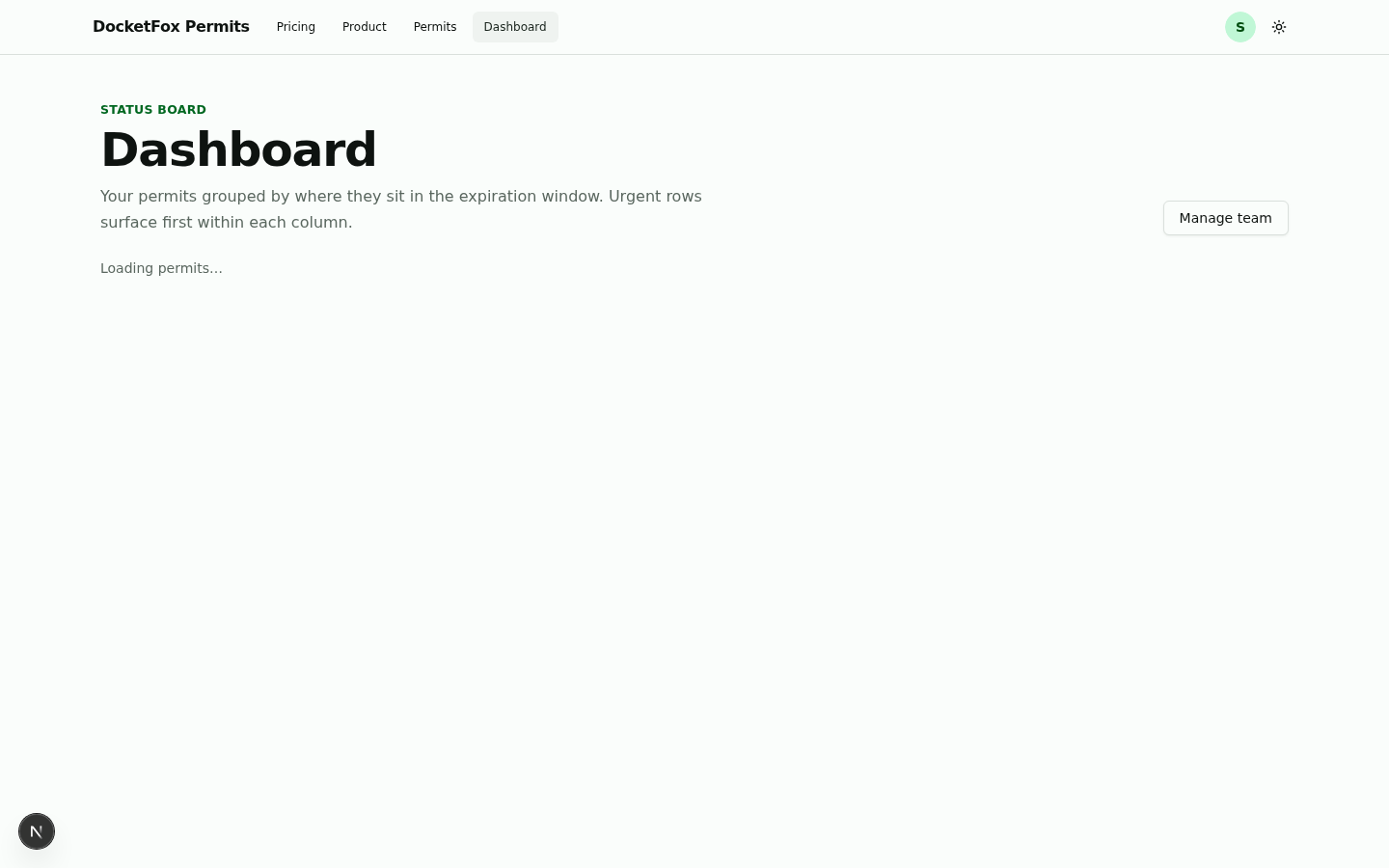
Dashboard
The dashboard tells you what’s urgent first.
Four columns — Open, Approaching, Expired, Closed — bucket your permits by where they sit in the expiration window. The urgent rows pin to the top of each column so nothing slips.
- Bucketed by expiration windowOpen, Approaching, Expired, Closed — the urgent rows surface first in every column.
- Filter chips by jurisdiction and inspection typeSlice the board without leaving the dashboard; chip state is shareable via the URL.
- Failed-inspections rail on topEvery red tag surfaces here — with the itemized fail reasons and a one-click resolve.
Permits
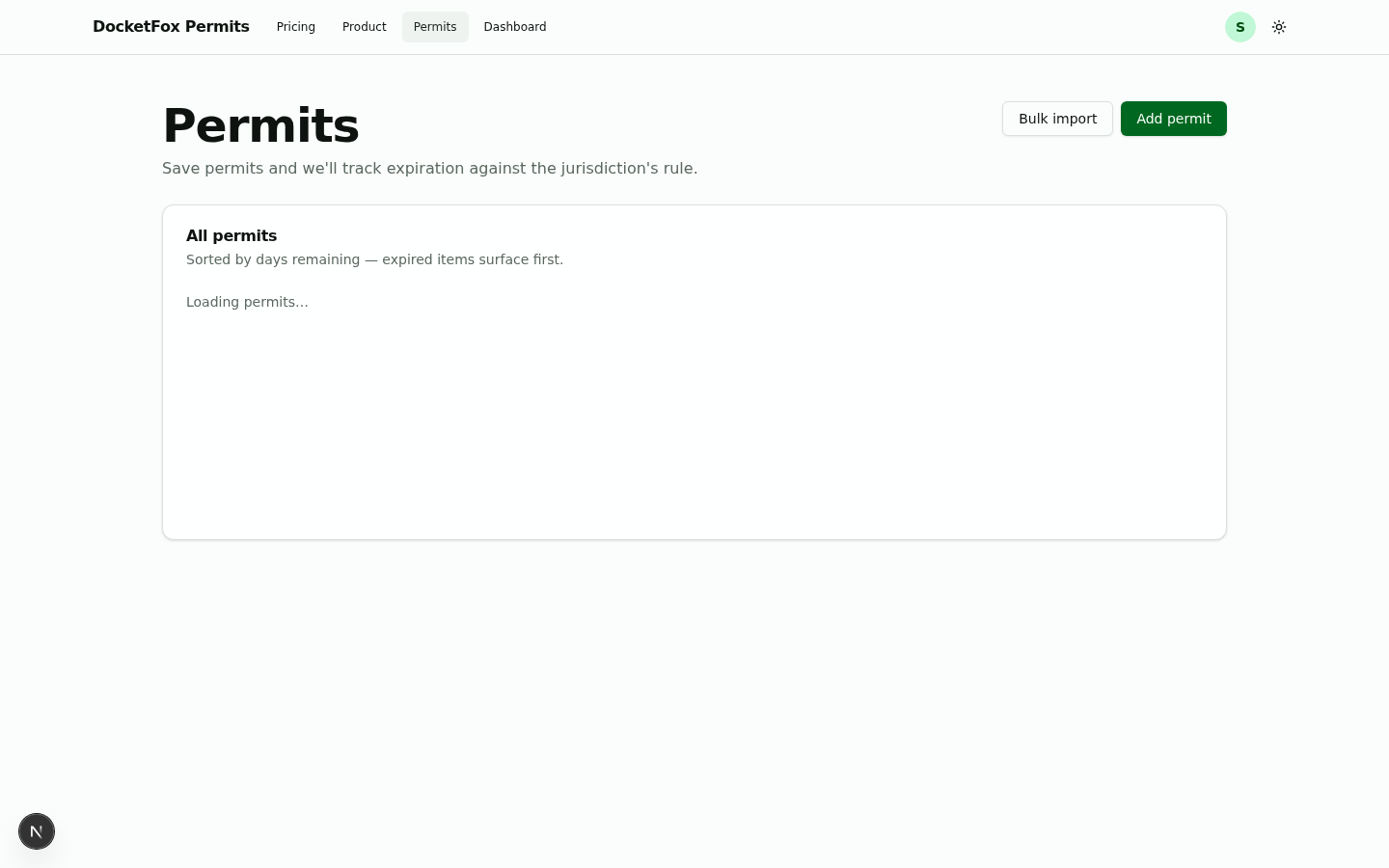
Every permit on one list — sorted by days remaining.
Filter by jurisdiction or inspection type. Sort by days remaining in either direction. Click any row to open the full permit, its inspection history, and the homeowner contact.
- Six columns, sortable by days remainingAddress · jurisdiction · permit # · issue date · inspection · expires. Expired rows pin to the top.
- Bulk import from a CSVDrop in a list — we recognize the columns and create the permits in one pass.
- Each row opens a full permit detailInspection history, homeowner contact, and the full fail-reason trail.
Permit detail
Failed inspections, with the reasons the inspector actually flagged.
A red rail docks to the permit detail. Every failed inspection shows when it failed, and the bulleted list of reasons the inspector left — not a generic failure note.
- Itemized fail reasons on every failed inspectionEach failure ships with the bulleted list of items the inspector flagged.
- Residential grade tracking for the homeownerEmail the permit, copy a share link, or close it out when the work signs off.
- Mark resolved in one clickA resolved failure drops off the dashboard rail and archives itself for audit.
Expiration alerts
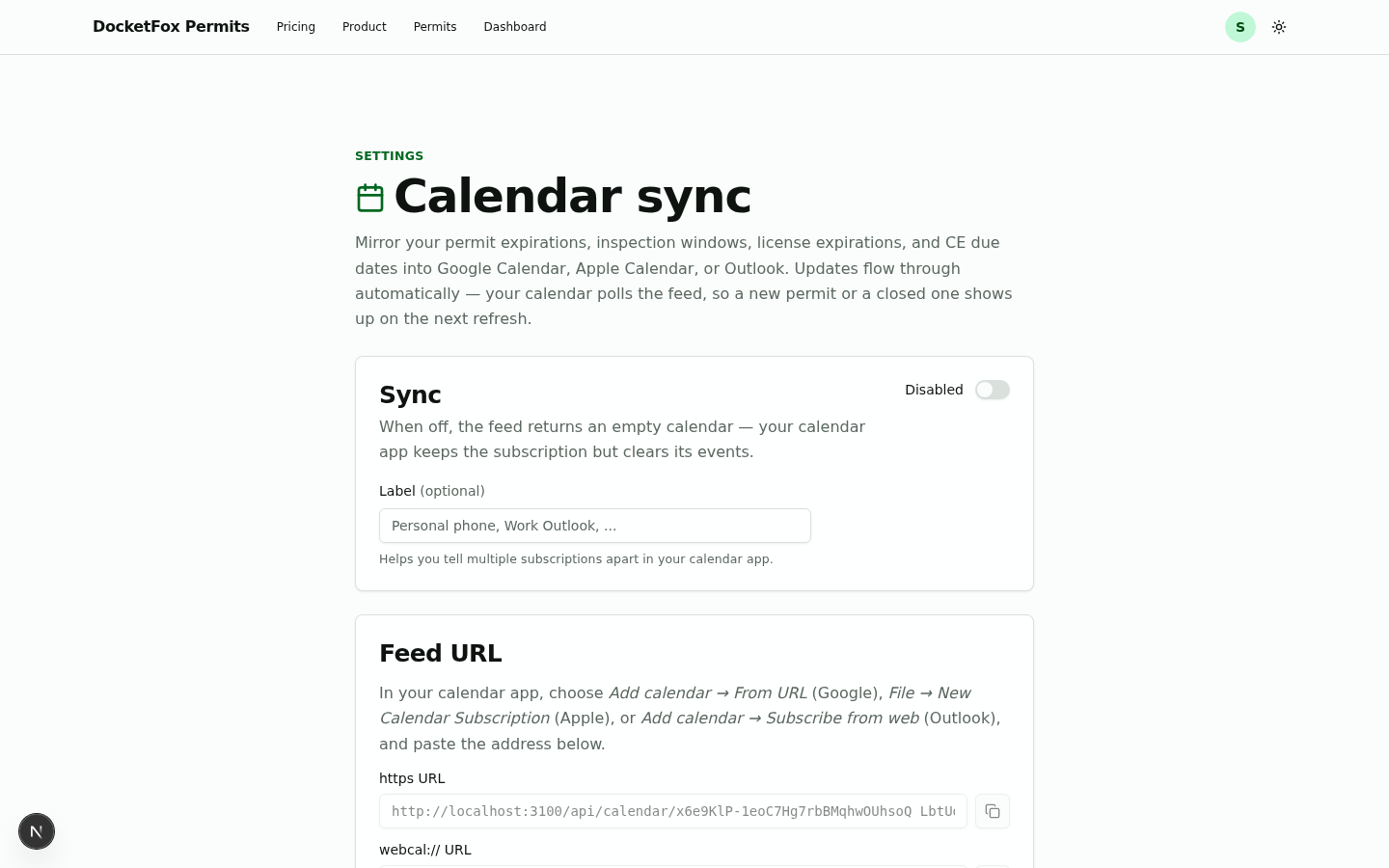
Email at 30 / 14 / 3 days. iCal feed into your calendar.
Get an email with subject + address before each permit expires. Subscribe a read-only iCal feed to overlay every expiration onto your existing calendar — no app switching.
- Email alerts at 30 / 14 / 3 days outSubject + address in the preview so you can triage from your inbox.
- iCal feed for Google + Apple CalendarRead-only or webcal URLs, copy with one click. Calendars auto-refresh.
- Pause the feed without losing the URLToggle off while you ramp a new hire back up; re-enable and the URL still works.
Team & licenses
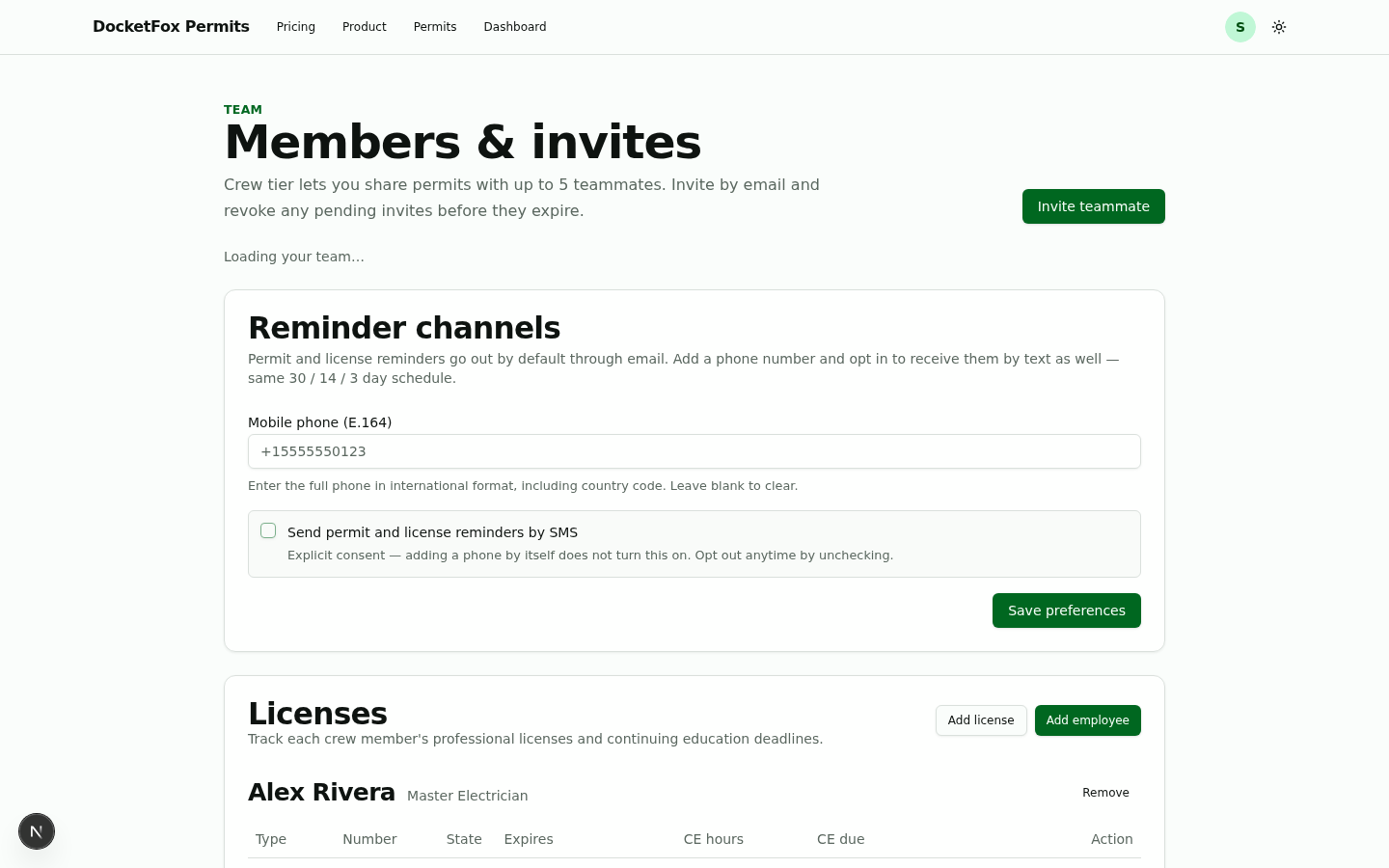
Invites and license expiry in one surface.
Add teammates (Small team or Team tier), pending invites sit in their own row with sent-date + revoke, and every employee carries a license card with CE hours and the same amber / red expiry badges as the dashboard.
- Members sorted — OWNER on top, CREW belowRole badges, joined dates, and one-click remove for crew.
- Pending invites tracked separatelyPending rows show sent date + expiration, and a revoke action lives inline.
- Per-employee license cards with CE hoursExpiry badges colored the same way as the dashboard — red / amber / muted.
Ready to try it?
Stop tracking permits in spreadsheets.
Start a 14-day free trial. Your first permit, your first crew, and your first alert — all in under five minutes.